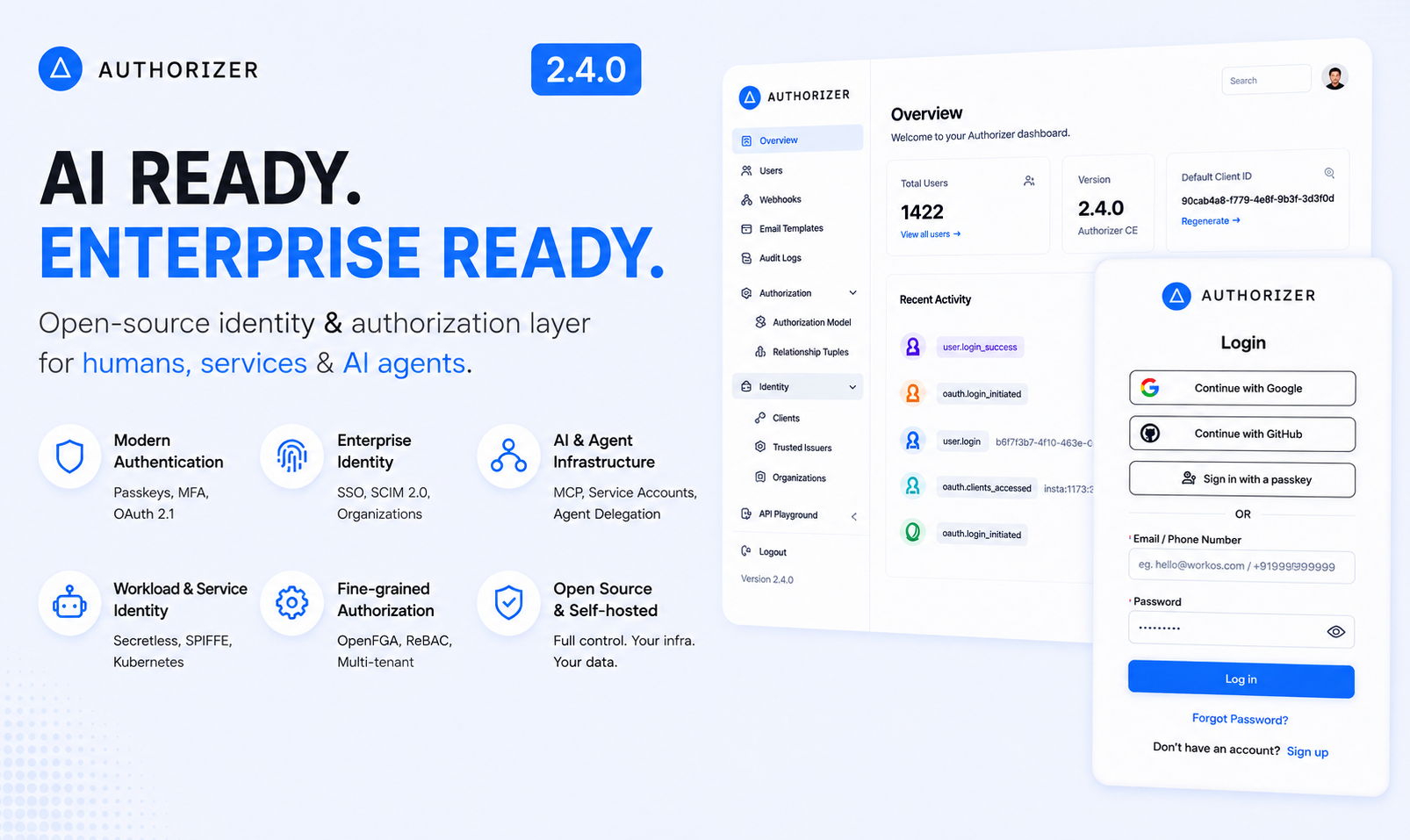
Use Authorizer as the authentication provider for SurrealDB
Self-hosted sign-in, and SurrealDB as your only backend
SurrealDB can be the only backend of an application. A client signs in with an identity provider, sends the token it gets back straight to SurrealDB, and table permissions decide what that user can read and write. There is no API server in between.
SurrealDB's own docs show how to do this with Auth0 and AWS Cognito. This post shows the same setup with Authorizer, an open-source (Apache 2.0) authentication and authorization server that you run yourself. Your users' identities and your application data then both stay on infrastructure you control. Authorizer can even keep its own data in SurrealDB, so one SurrealDB instance can hold your users and your app data.
You will learn how to:
- Configure Authorizer to issue tokens that SurrealDB accepts.
- Configure SurrealDB to verify those tokens against Authorizer's public keys.
- Give each user access to their own records only, and use Authorizer roles in table permissions.
- Sign in from a web app with the Authorizer SDK and query SurrealDB with the token.
What you need
- Authorizer 2.4.8 or later. SurrealDB picks the verification key by the token's
kidheader, and Authorizer adds akidto every RS256 and ES256 token from 2.4.8. With an earlier version SurrealDB refuses every token with a 401, and its debug log saysMissing token header 'kid'. - SurrealDB. I tested this with SurrealDB 4.0.1. For this walkthrough a throwaway Docker container is enough:
docker run --rm --pull always -p 8000:8000 surrealdb/surrealdb:latest \
  start --user root --pass secret --allow-net auth.example.com
--allow-net lets SurrealDB download Authorizer's public keys. Allow only your Authorizer host (and, on a private network, its IP address; see Things to know).
How it fits together
- The user signs in with Authorizer and gets an access token.
- The app sends that token to SurrealDB, with the SDK's
authenticate()or anAuthorization: Bearerheader. - SurrealDB reads the token's
ns,dbandacclaims to find the access method, and checks the signature against Authorizer's JWKS at/.well-known/jwks.json. - The access method's
AUTHENTICATEblock checks the issuer, the audience and the verified email, and returns the user's record. - Table
PERMISSIONSapply to every query in that session.
Step 1: Configure Authorizer
Authorizer has to sign tokens with an asymmetric key: --jwt-type=RS256 (or ES256) with --jwt-private-key and --jwt-public-key. HMAC keys are never published in the JWKS, so SurrealDB could not verify tokens signed with them.
SurrealDB needs to know which namespace, database and access method a token is meant for. Authorizer's custom access token script adds claims to every access token. Start Authorizer with this flag on top of your usual configuration:
--custom-access-token-script='function(user, tokenPayload) {
  return {
    ns: "main",            // namespace used in DEFINE ACCESS
    db: "main",            // database used in DEFINE ACCESS
    ac: "authorizer",      // name of the access method
    email: user.email,
    email_verified: user.email_verified
  };
}'
Every access token already carries:
iss: your Authorizer URL (--url).audandclient_id: your client ID (--client-id).sub: the user ID.exp.roles: the user's roles.
Add the origin your app is served from to --allowed-origins, for example --allowed-origins=https://app.example.com. With the default, *, Authorizer accepts sign-in requests only from its own origin, so your app's sign-in would be refused.
Then create a test user from the login page at https://auth.example.com/app. If Authorizer offers to set up multi-factor authentication, skip it for this test user, so the app below can sign in with just an email and password.
Step 2: Configure SurrealDB
Open a SurrealDB shell:
surreal db sql -u root -p secret --pretty
Define a user table that every user can only see and change their own record in. Each record's ID is the Authorizer user ID (the sub claim), which, unlike an email address, never changes:
USE NS main DB main;

DEFINE TABLE user SCHEMAFULL
  PERMISSIONS FOR select, update, delete, create
  WHERE $access = "authorizer" AND id = $auth;
DEFINE FIELD email ON user TYPE string ASSERT string::is_email($value);
DEFINE INDEX email ON user FIELDS email UNIQUE;
DEFINE FIELD nickname ON user TYPE option<string>;
Now the access method. It points SurrealDB at Authorizer's JWKS, and its AUTHENTICATE block decides which tokens to accept. It also creates the user's record the first time they connect, so the app needs no separate sign-up step:
DEFINE ACCESS authorizer ON DATABASE TYPE RECORD
  WITH JWT URL "https://auth.example.com/.well-known/jwks.json"
  AUTHENTICATE {
    IF (
      $token.iss = "https://auth.example.com"
      AND $token.aud = "<YOUR_CLIENT_ID>"
      AND $token.email_verified = true
    ) {
      LET $user = type::record("user", $token.sub);
      IF !record::exists($user) {
        CREATE $user SET email = $token.email;
      };
      RETURN $user;
    }
  };
Because SurrealDB fetches the keys from Authorizer instead of storing a copy, a new signing key needs no change here. SurrealDB does cache the keys, though, which matters when you rotate them (see below).
Roles in permissions
The roles claim can go straight into table permissions. This post table can be read by every signed-in user but written only by admins:
DEFINE TABLE post SCHEMAFULL
  PERMISSIONS
    FOR select WHERE $access = "authorizer"
    FOR create, update, delete WHERE $access = "authorizer" AND $token.roles CONTAINS "admin";
DEFINE FIELD title ON post TYPE string;
Roles are managed in Authorizer (--roles, --default-roles and the dashboard), so a user's permissions in SurrealDB change as soon as they get a new token.
Step 3: Sign in and query
The app uses the Authorizer JavaScript SDK to sign in and the SurrealDB JavaScript SDK to query:
import { Authorizer } from "@authorizerdev/authorizer-js";
import { Surreal } from "surrealdb";

const authorizer = new Authorizer({
  authorizerURL: "https://auth.example.com",
  redirectURL: window.location.origin,
  clientID: "<YOUR_CLIENT_ID>",
});

const { data, errors } = await authorizer.login({ email, password });
if (errors.length) throw errors[0];

const db = new Surreal();
await db.connect("wss://your-surrealdb.example.com");
// The token carries ns, db and ac, so no further selection is needed.
await db.authenticate(data.access_token);

// One result per statement. The first holds only the signed-in user's own record.
const [users] = await db.query("SELECT * FROM user");
Or over HTTP, with any tool:
curl -X POST https://your-surrealdb.example.com/sql \
  -H "Accept: application/json" \
  -H "Authorization: Bearer $ACCESS_TOKEN" \
  --data-binary 'SELECT * FROM user;'
login() returns a token only once sign-in is complete. For a user with multi-factor authentication, the response asks for that step first. Authorizer's hosted login page handles it for you.
Things to know
- Sign-out does not reach SurrealDB. SurrealDB checks tokens on its own and never asks Authorizer whether a session is still active. Signing out stops new tokens from being issued, but a token already sent to SurrealDB stays valid until it expires. Authorizer access tokens last 30 minutes; refresh them with the SDK.
- Private networks. SurrealDB also checks the IP address your Authorizer host resolves to. If Authorizer runs next to SurrealDB on a private network, allow that address too:
--allow-net auth.internal,10.0.0.12. If SurrealDB cannot download the JWKS, every token is refused with401, and SurrealDB logs why (for exampleAccess to network target '10.0.0.12/32' is not allowed). - Key rotation and SurrealDB's key cache. SurrealDB caches the JWKS for up to 12 hours and downloads it again for an unknown
kidat most once every 5 minutes. So after Authorizer starts signing with a new key, SurrealDB can refuse those tokens for up to 5 minutes, and a key you remove from Authorizer stays trusted until the cache is replaced. Old-key tokens still expire after 30 minutes, so this only matters for a compromised key: restart SurrealDB to empty the cache.SURREAL_JWKS_CACHE_COOLDOWN_SECONDSandSURREAL_JWKS_CACHE_EXPIRATION_SECONDSshorten both periods. I measured both effects while testing this post. - What gets rejected. I ran this whole setup against SurrealDB 4.0.1 and Authorizer 2.4.8. Users only ever saw their own records, a non-admin could not write a post, and SurrealDB refused tampered tokens,
alg: nonetokens and HS256 tokens forged with the published public key.
Keep your users in SurrealDB too
From 2.4.8, Authorizer can also store its own data in SurrealDB:
--database-type=surrealdb \
--database-url="https://surreal.example.com" \
--database-username="authorizer" \
--database-password="..." \
--database-name=authorizer \
--surrealdb-namespace=authorizer
Put it in its own namespace or database, next to your application's data, and a single SurrealDB holds your users, sessions and app data.
Links
- Authorizer docs: SurrealDB integration
- Authorizer docs: SurrealDB as a database
- Authorizer on GitHub
- SurrealDB:
DEFINE ACCESS ... WITH JWT
If you try it, I'd like to hear how it goes. Open an issue or a discussion on the Authorizer repository, or join us on Discord.
About the author
I’m Lakhan Samani from India 🇮🇳. I’m the creator and maintainer of authorizer.dev | Freelance Software Engineer | Prev: Cloud Software Engineer at ArangoDB. I am passionate about building products and developer tools. This website is my internet space, where I write about Building Software | Open Source | Finance and Life.
Comments
Join the discussionNo comments yet. Be the first to comment.